Volkswagen New Beetle. Manual - part 750
 

  Index      Volkswagen     Volkswagen New Beetle 1998-2008 year - service repair manual


Search            


Content   ..  748  749  750  751   ..


Volkswagen New Beetle. Manual - part 750


Fig. 24: V.A.G 1551 Scan Tool Display - Initiating On Board Diagnostic (12 Of 12) 
Courtesy of VOLKSWAGEN OF AMERICA, INC. 

AUTOMATIC TEST SEQUENCE 

The automatic test sequence checks the DTC memory of all the control modules. 

z

Switch ignition on.  

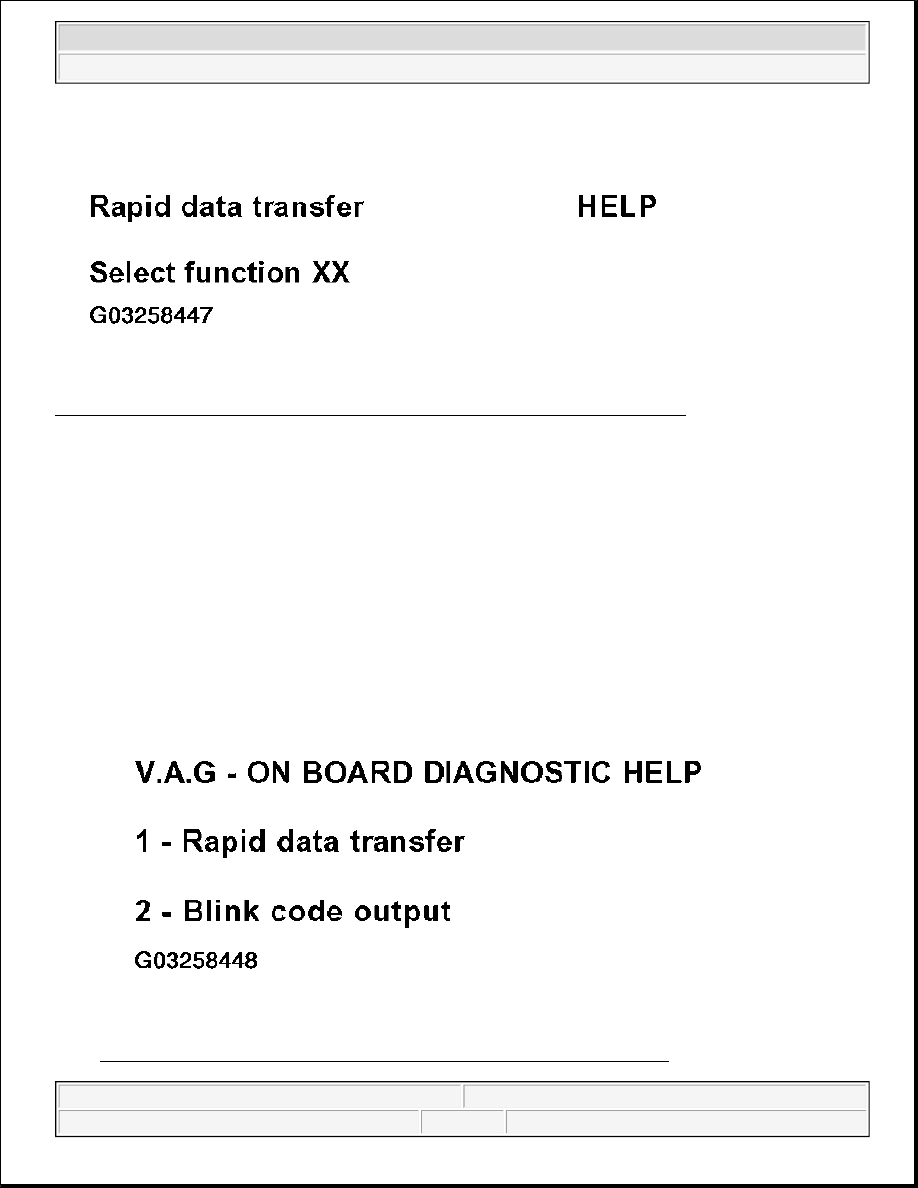
Indicated on display (Operating modes 1 and 2 are displayed alternately)  

z

Press button -1- for "Rapid data transfer" operating mode 1.  

z

Switch printer on with the "PRINT" button (indicator lamp in button lights up). 

Fig. 25: V.A.G 1551 Scan Tool Display - Automatic Test Sequence (1 Of 3) 
Courtesy of VOLKSWAGEN OF AMERICA, INC.


2003 Volkswagen New Beetle GLS 

1998-2004 BRAKES On Board Diagnostic (OBD) - New Beetle


Indicated on display 

z

Press buttons -0- and -0- to insert "Automatic Test Sequence" address word 00.  

z

Press -Q- button to confirm input. 

Fig. 26: V.A.G 1551 Scan Tool Display - Automatic Test Sequence (2 Of 3) 
Courtesy of VOLKSWAGEN OF AMERICA, INC. 

Indicated on display (VAG1551 scan tool display will show the control module identification) 

Thereafter, all control module identifications and any stored DTCs are displayed. 

Erasing DTC memory is only possible after "Check DTC Memory" (scan tool function 02) is carried out. 

Fig. 27: V.A.G 1551 Scan Tool Display - Automatic Test Sequence (3 Of 3) 
Courtesy of VOLKSWAGEN OF AMERICA, INC. 

CHECK DTC MEMORY (FUNCTION 02) 


2003 Volkswagen New Beetle GLS 

1998-2004 BRAKES On Board Diagnostic (OBD) - New Beetle


All functions which could previously be performed with V.A.G 1551 can also be performed with the new tester 
VAS 5051. 

Indicated on display 

z

Press buttons -0- and -2- to select "Check DTC Memory" function 02. 

Fig. 28: V.A.G 1551 Scan Tool Display - Checking DTC Memory - Function 02 (1 Of 5) 
Courtesy of VOLKSWAGEN OF AMERICA, INC. 

Indicated on display 

z

Press -Q- button to confirm input. 

Fig. 29: V.A.G 1551 Scan Tool Display - Checking DTC Memory - Function 02 (2 Of 5) 
Courtesy of VOLKSWAGEN OF AMERICA, INC. 

Indicated on display (number of stored DTCs, or "No DTC recognized").


2003 Volkswagen New Beetle GLS 

1998-2004 BRAKES On Board Diagnostic (OBD) - New Beetle


Fig. 30: V.A.G 1551 Scan Tool Display - Checking DTC Memory - Function 02 (3 Of 5) 
Courtesy of VOLKSWAGEN OF AMERICA, INC. 

If the message "No DTC recognized" is displayed, the program can be returned to the starting point by pressing 
the --> button. 

z

Press --> button. 

The stored malfunctions are displayed and printed out in sequence. 

z

Check print-out against DTC table and repair all malfunctions as necessary, see DIAGNOSTIC 
TROUBLE CODE (DTC) TABLE
 . 

As with "No DTC recognized", the program returns to the start position after pressing the --> key: 

Fig. 31: V.A.G 1551 Scan Tool Display - Checking DTC Memory - Function 02 (4 Of 5) 
Courtesy of VOLKSWAGEN OF AMERICA, INC. 

Indicated on display 

z

End Output (scan tool function 06), see END OUTPUT (FUNCTION 06) 


2003 Volkswagen New Beetle GLS 

1998-2004 BRAKES On Board Diagnostic (OBD) - New Beetle


Content   ..  748  749  750  751   ..