Volkswagen New Beetle. Manual - part 287
 

  Index      Volkswagen     Volkswagen New Beetle 1998-2008 year - service repair manual


Search            


Content   ..  285  286  287  288   ..


Volkswagen New Beetle. Manual - part 287


z

Connecting V.A.G 1551 or VAS 5051, see SCAN TOOL, CONNECTING . Initiating On Board 
Diagnosis (OBD), see ON BOARD DIAGNOSIS (OBD) FOR THE COMFORT SYSTEM 
(VEHICLES WITH POWER WINDOWS), INITIATING
 .  

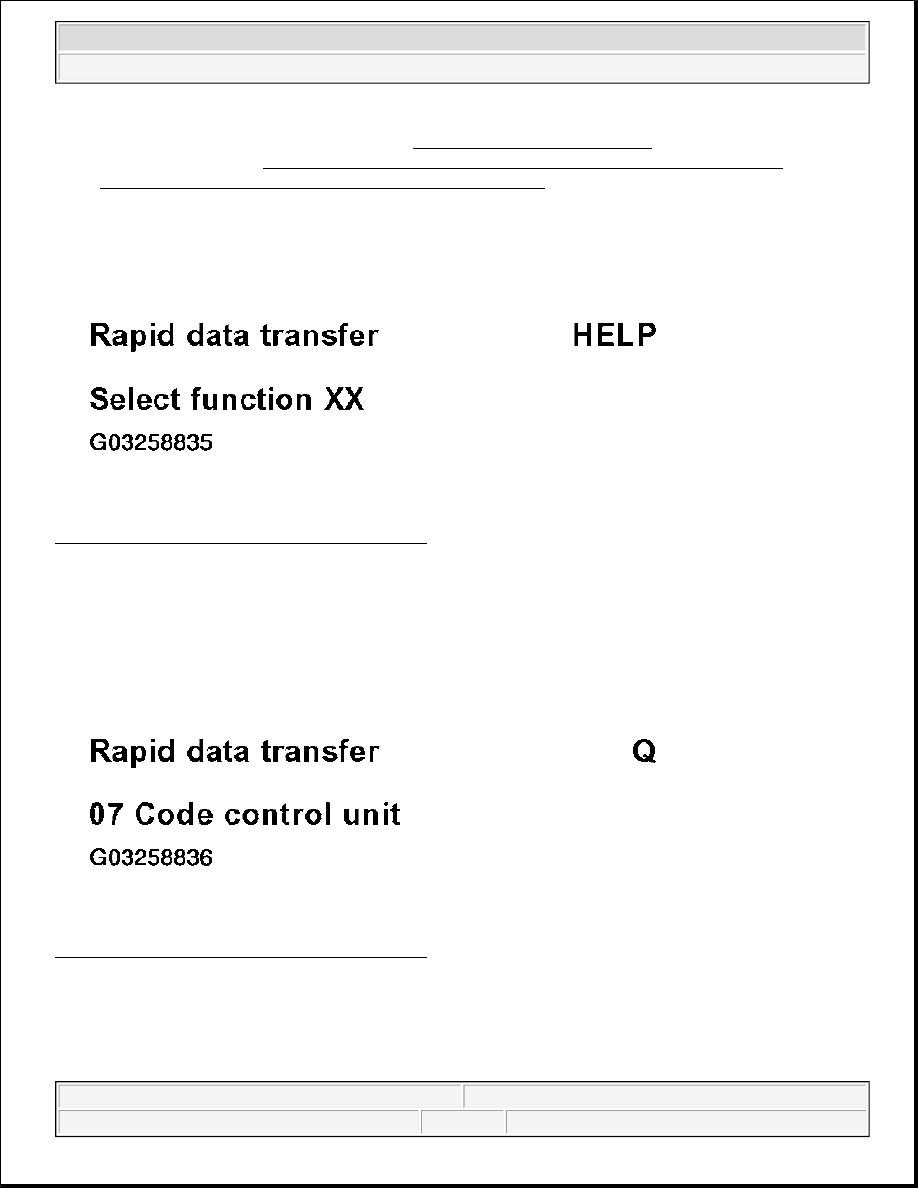
Indicated on display: 

Fig. 35: Scan Tool Display - Function 07 (1 Of 9) 
Courtesy of VOLKSWAGEN OF AMERICA, INC. 

z

Press keys -0- and -7- (with 07 the function "Code control unit" is selected).  

Indicated on display: 

Fig. 36: Scan Tool Display - Function 07 (2 Of 9) 
Courtesy of VOLKSWAGEN OF AMERICA, INC. 

z

Confirm entry with -Q- button.  

Indicated on display: 


2003 Volkswagen New Beetle GLS 

1998-2004 ACCESSORIES & EQUIPMENT On Board Diagnostic (OBD) - New Beetle


Fig. 37: Scan Tool Display - Function 07 (3 Of 9) 
Courtesy of VOLKSWAGEN OF AMERICA, INC. 

z

Enter code number according to table. The following code numbers (and others) will be accepted by the 
control unit, but these are also used with other vehicles, country variations or vehicle equipment. See 
COMFORT SYSTEM CODING TABLE . 

COMFORT SYSTEM CODING 

z

Confirm entry with -Q- button.  

Control unit identification number with relevant letter index, code number (e.g. 00257) and workshop code 
(dealership number) will be displayed on the scan tool V.A.G 1551. See Fig. 38 .

Vehicle equipment

Code number

Central locking 
2- Window regulator

Single door unlocking

00256

All door opening

00257

Central locking 

2- Window regulator and memory

Single door unlocking 00258

All door opening

00259


2003 Volkswagen New Beetle GLS 

1998-2004 ACCESSORIES & EQUIPMENT On Board Diagnostic (OBD) - New Beetle


Fig. 38: Scan Tool Display - Function 07 (4 Of 9) 
Courtesy of VOLKSWAGEN OF AMERICA, INC. 

If the contents of the display are as shown then the coding is successful. 

Subsequent to the successful coding, the door will be called up and shown in the display. 

If an incorrect code number has been entered and accepted by the control unit (e.g. 04096), a display will 
subsequently follow indicating that no communication has taken place with for example rear door control unit. 

Indicated on display: 

Fig. 39: Scan Tool Display - Function 07 (5 Of 9) 
Courtesy of VOLKSWAGEN OF AMERICA, INC. 

If the code number entered, is not accepted by the control unit, the display will show: see Fig. 40 .


2003 Volkswagen New Beetle GLS 

1998-2004 ACCESSORIES & EQUIPMENT On Board Diagnostic (OBD) - New Beetle


Fig. 40: Scan Tool Display - Function 07 (6 Of 9) 
Courtesy of VOLKSWAGEN OF AMERICA, INC. 

In this case the control unit has not been programmed with the relevant data for the vehicle. 

A check must then be completed to see if the correct control unit for the vehicle has been installed (compare 
Part No. and letter index), or whether an incorrect code number has been entered. 

z

Repeat coding.  

If the control unit cannot be coded (correct control unit, correct code number), the control unit is faulty. 

Ending function: 

z

Press --> button.  

Indicated on display: 

Fig. 41: Scan Tool Display - Function 07 (7 Of 9)


2003 Volkswagen New Beetle GLS 

1998-2004 ACCESSORIES & EQUIPMENT On Board Diagnostic (OBD) - New Beetle


Content   ..  285  286  287  288   ..