Volkswagen Golf / Golf Plus. Manual - part 201
 

  Index      Volkswagen     Volkswagen Golf (2004) / Golf Plus (2005) - service repair manual


Search            


Content   ..  199  200  201  202   ..


Volkswagen Golf / Golf Plus. Manual - part 201


s

p

e

c

t

 t

o


th

e

 c

o

rr

e

c

t

n

e

s

s


o

f

in

fo

r

m

a

tio

n

 in

 th

is

 d

o

c

um

en

t.

C

o

py

rig

ht b

y


V

olk

sw

a

ge

n


A

G.

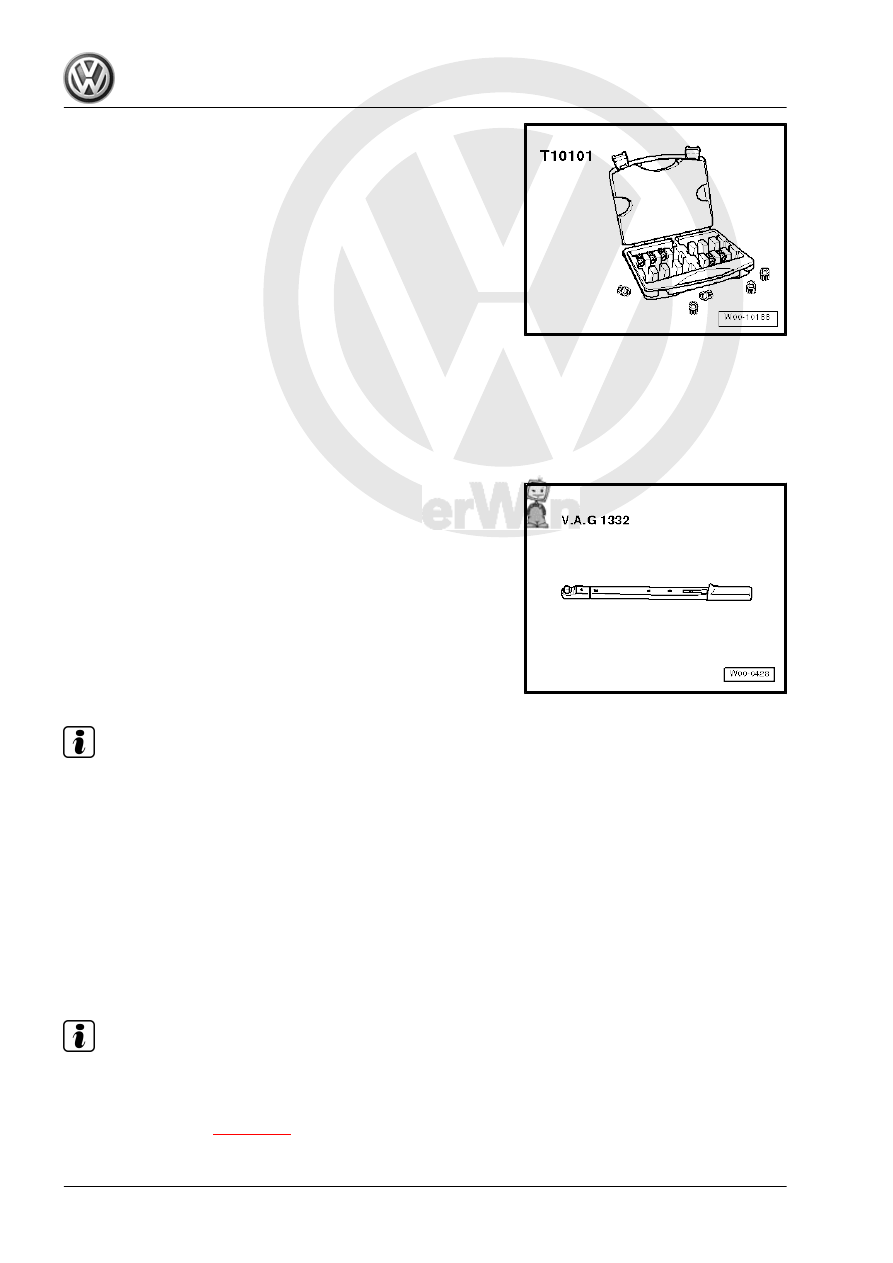
♦ Adapter set for tamper-proof wheel bolts -T10101-

– Slide adapter into anti-theft wheel bolt onto stop.
– Slide the wheel bolt wrench onto adapter onto stop.
– Retighten the wheel securing bolts to correct torque setting.
Retightening wheel securing bolts
Special tools and workshop equipment required
♦ Torque wrench -V.A.G 1332-

Note

Ensure that wheel bolts are tightened diagonally and alternately.

Specified torque: 120 Nm

4.33

Reading radio code using vehicle diag‐

nostic tester

Authorization prerequisites for vehicle diagnostic tester
• The vehicle diagnostic tester is connected via the Central

Partner Network (CPN) with the central database (Carport,

Fazit).

• Available access for the user of the system “GeKo” (secrecy

and component protection)

Note

The radio codes can be read in the central database and can

be displayed on vehicle diagnostic tester .

For radio activation the codes must be entered via radio but‐

tons, as previously 

⇒ page 115

 .

Maintenance - Edition 11.2009

114

    4. Descriptions of work

s

p

e

c

t

 t

o


th

e

 c

o

rr

e

c

t

n

e

s

s


o

f

in

fo

r

m

a

tio

n

 in

 th

is

 d

o

c

um

en

t.

C

o

py

rig

ht b

y


V

olk

sw

a

ge

n


A

G.

Procedure
– Connect vehicle diagnostic tester 

⇒ page 32

 .

– Switch on ignition.
– Touch the field or button on the screen for “GUIDED FUNC‐

TIONS”.

– Confirm with 

 >

 button.

– Select one after the other:
♦ Brand
♦ Type
♦ Model year
♦ Engine code
– Confirm vehicle identification.
– Select one after the other:
♦ “Radio system”.
♦ “Reading radio code”
– Read code according to the information of “GUIDED FUNC‐

TIONS”.

– Finish code reading as follows:
– Press “GoTo” button on display -arrow-.
– Press the “End” button on display.
– Press “End” button in End menu.
– Switch off ignition and separate diagnostic connections.

4.34

Radio/radio navigation system: Enter

PIN of anti-theft coding and store local

radio stations to station buttons

The anti-theft coding electronically prevents unauthorized per‐

sons from operating the unit after it has been removed from

vehicle. The anti-theft codes are also called radio codes or se‐

curity codes. Security code means that each unit with an anti-theft

coding is programmed with its own code number. This security

code is not active when leaving the factory. The security code is

found on the unit card, if fitted. If the unit card is not fitted, the

security code can be read using vehicle diagnostic tester of a

central database.

Note

If an incorrect code number is entered when releasing the elec‐

tronic lock, the whole procedure can be repeated once. If an

incorrect code number is entered again, the unit is locked for

about one hour. That means, it cannot be used. After one hour,

during which time the unit must remain switched on, the display

extinguishes. The electronic lock can be released as described

above. The cycle two attempts, one hour lock applies again.

Procedure
Vehicle electrics → Communication ⇒  Rep. Gr.  91 → e.g. radio

system "RCD 500" → Electronic anti-theft coding → Deactivating

electronic anti-theft coding

Maintenance - Edition 11.2009

4. Descriptions of work    

115

s

p

e

c

t

 t

o


th

e

 c

o

rr

e

c

t

n

e

s

s


o

f

in

fo

r

m

a

tio

n

 in

 th

is

 d

o

c

um

en

t.

C

o

py

rig

ht b

y


V

olk

sw

a

ge

n


A

G.

For technical reasons it is possible that several cross references

are not directed to the correct chapter. In this case select the pro‐

cedure manually in the information.

4.35

Tyre pressure monitoring: Perform basic

setting

⇒ “4.35.1 Tyre pressure monitoring (TPM) for NAR”, page 117

Note

The basic setting of tyre pressure monitoring -K220- should

only be performed after the tyre inflation pressures have been

corrected to the prescribed values.

If no pressure loss and tyre damage are found after a tyre

pressure warning, the incorrect warning can be rectified by a

basic setting.

The tyre pressure monitoring system is part of the software in the

ABS control unit -J104-.
The ABS control unit compares the speed and the rolling circum‐

ference of the individual wheels via the ABS sensors. When the

rolling circumference of one wheel is changed this is displayed by

the tyre pressure monitoring. The rolling circumference of tyre can

change if:
♦ The tyre pressure is too low.
♦ The tyre has structural damage.
♦ The vehicle is loaded more heavily on one side.
♦ The wheels on one axle are loaded more heavily (e.g. when

towing a trailer or when driving in mountains).

♦ Snow chains are fitted.
♦ The temporary spare wheel is fitted.
♦ One wheel per axle has been changed.
The tyre pressure monitoring warning lamp -K220- has a yellow

warning lamp in the dash panel insert -arrow-.
♦ “FLASHING LIGHT” means that the “INITIAL BASIC SET‐

TING” has not been performed.

♦ “PERMANENT LIGHT” in conjunction with a warning tone

means “WARNING”, pressure loss has been recognised,

check tyre pressures, perform system basic setting.

Perform “INITIAL” basic setting
– Switch on ignition.

Maintenance - Edition 11.2009

116

    4. Descriptions of work

s

p

e

c

t

 t

o


th

e

 c

o

rr

e

c

t

n

e

s

s


o

f

in

fo

r

m

a

tio

n

 in

 th

is

 d

o

c

um

en

t.

C

o

py

rig

ht b

y


V

olk

sw

a

ge

n


A

G.

– Press button 

ESP

 -1- and button 

SET

 -2- simultaneously and

for longer than 2 seconds in the centre console.

If ESP is not fitted, press 

TCS

 button.

The start of basic setting will be confirmed by an acoustic signal.
When switching on ignition again, no warning is shown.

Perform basic settings
– Switch on ignition.
– After changing the tyre pressures or after changing one or

several wheels, the button for tyre pressure monitoring 

SET

item -2- in illustration, must be pressed and hold until a con‐

firmation tone is heard.

When switching on ignition again, no warning is shown.

4.35.1

Tyre pressure monitoring (TPM) for

NAR

Note

The basic setting of tyre pressure monitoring should only be

performed after the tyre inflation pressures have been correc‐

ted to the prescribed values.

If no pressure loss and tyre damage are found after a tyre

pressure warning, the incorrect warning can be rectified by a

basic setting.

The tyre pressure monitoring warning lamp -K220- has a yellow

warning lamp in the dash panel insert -arrow-.
After changing the tyre pressures or after changing one or more

wheels the following adaption must be performed:
– Connect vehicle diagnostic tester 

⇒ page 32

 .

– Switch on ignition.
– Touch the field or button on the screen for 

Guided fault

finding

.

– Select vehicle data.
All control units in vehicle are read.
– Follow instructions of vehicle diagnostic tester in “Guided fault

finding”.

Maintenance - Edition 11.2009

4. Descriptions of work    

117


Content   ..  199  200  201  202   ..