Infiniti QX60 (2023 year). Manual in english - page 6
VEHICLE INFORMATION
DISPLAY WARNINGS AND
INDICATORS
The following messages may appear in your
vehicle information display.
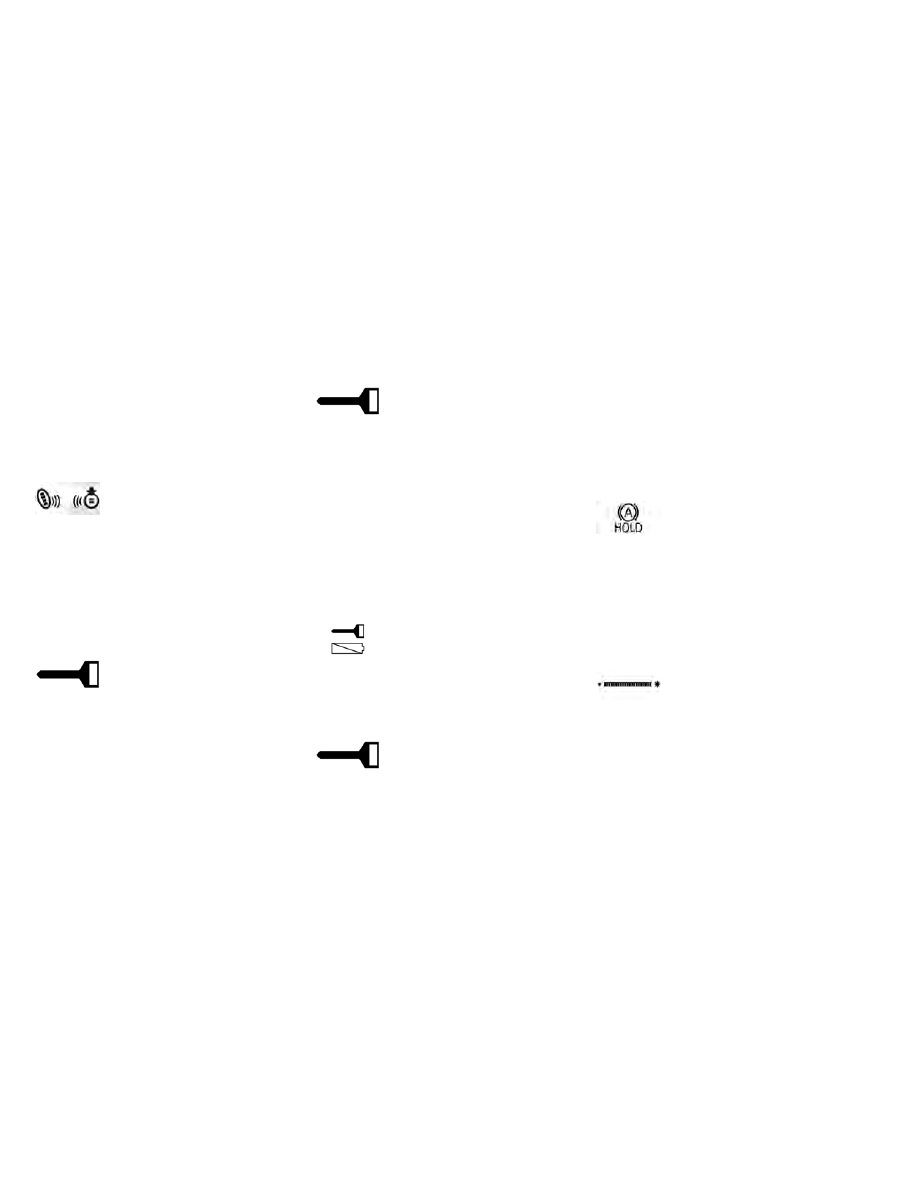
Engine start operation for
Intelligent Key system (if
I-Key battery level is low)
This indicator appears when the battery of
the Intelligent Key is low and when the Intel-
ligent Key system and the vehicle are not
communicating normally.
If this appears, touch the ignition switch with
the Intelligent Key while depressing the brake
pedal. For additional information, see “Bat-
tery replacement” (P. 8-24).
Key ID Incorrect
This warning appears when the ignition
switch is placed from the OFF position and
the Intelligent Key is not recognized by the
system. You cannot start the engine with an
unregistered key.
For additional information, see “INFINITI In-
telligent Key system” (P. 3-6).
I-Key System Error: See
Owner’s Manual
After the ignition switch is placed in the ON
position, this warning appears for a period of
time and then turns off.
The Key System Error message warns of a
malfunction with the Intelligent Key system.
If the warning appears while the engine is
stopped, it may be impossible to start the
engine.
If the warning appears while the engine is
running, you can drive the vehicle. However,
in these cases, have the system checked. It is
recommended that you visit an INFINITI re-
tailer for this service.
Key low battery
This indicator appears when the Intelligent
Key battery is running out of power.
If this indicator appears, replace the battery
with a new one. For additional information,
see “Battery replacement” (P. 8-24).
No Key Detected
This warning appears when the Intelligent
Key is left outside the vehicle with the ignition
switch in the ON position. Make sure the
Intelligent Key is inside the vehicle.
For additional information, see “INFINITI In-
telligent Key system” (P. 3-6).
AFS System Error: See Owner’s Manual
This message may appear when the Adaptive
Front Lighting System (AFS) encounters an
error. For additional information, see “Adap-
tive Front Lighting System (AFS)” (P. 2-82).
Automatic brake hold
indicator (white/green)
The automatic brake hold indicator (white)
appears when the automatic brake hold sys-
tem is on standby.
The automatic brake hold indicator (green)
appears when the automatic brake hold sys-
tem is operating.
For additional information, see “Automatic
brake hold” (P. 5-27).
Brightness indicator
This indicator shows the brightness adjust-
ment of the instrument panel. For additional
information, see “Instrument brightness con-
trol” (P. 2-83).
2-60
Instruments and controls