Volkswagen Golf Variant / Jetta. Manual - part 851
 

  Index      Volkswagen     Volkswagen Golf Variant (2007), Jetta (2005) - service repair manual


Search            


Content   ..  849  850  851  852   ..


Volkswagen Golf Variant / Jetta. Manual - part 851


Procedure
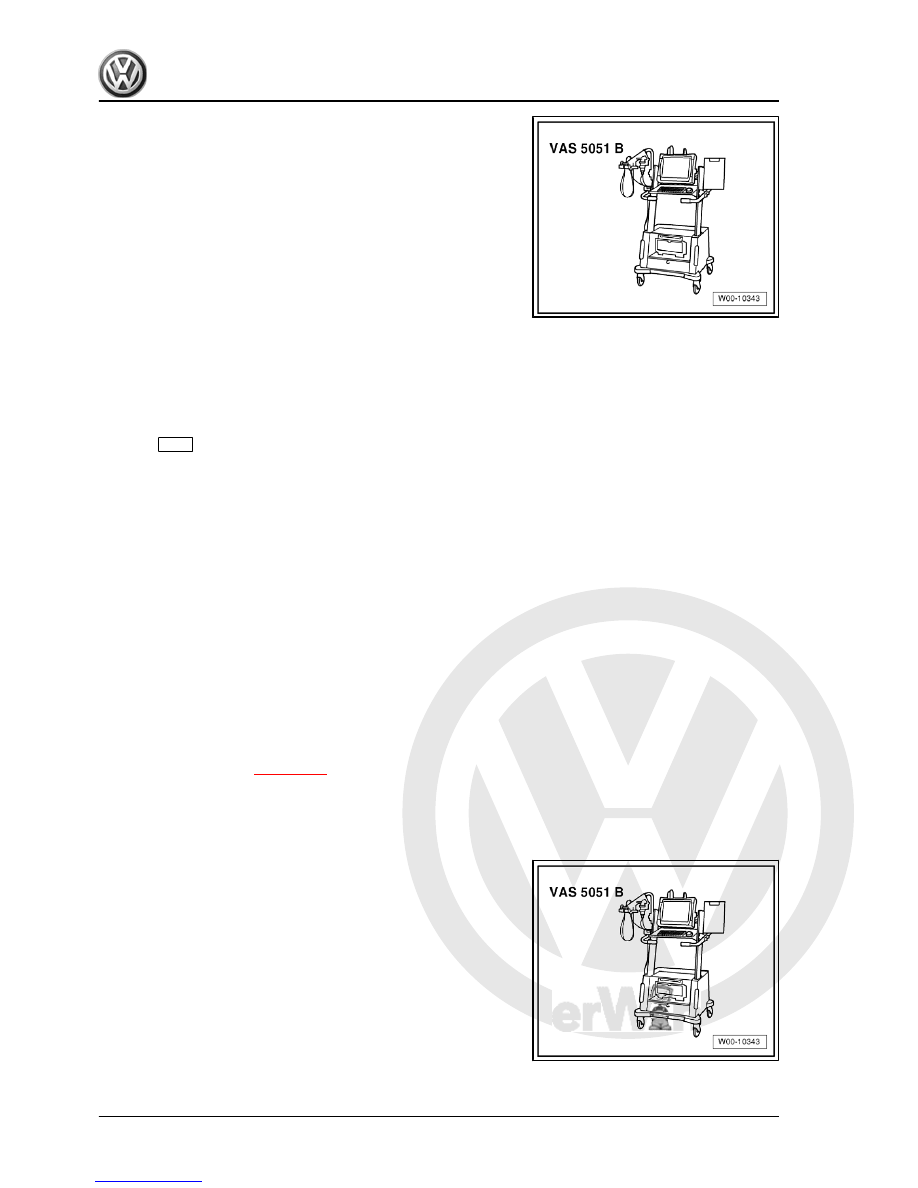
– Connect vehicle diagnosis, testing and information system -

VAS 5051B- .

– In vehicle diagnosis, testing and information system -VAS

5051B- , select „Guided fault finding“.

– Using 

GoTo

 button, select „Functions/component“ and the fol‐

lowing menu options in succession:

♦ Body
♦ General body repairs
♦ Park assist steering
♦ Park assist steering functions
♦ Adjusting pitch of rear parking aid warning buzzer

15.8

Park assist steering/parking aid button

The park assist steering button -E266- / parking aid button -E581-

are located in the centre console storage compartment in front of

the gear lever. The buttons cannot be disassembled.

15.8.1

Removing and installing parking aid/

park assist steering button

Removal and installation of the buttons are carried out in the same

way for all buttons in the centre console storage compartment and

are described in chapter 

⇒ page 418

 .

15.8.2

Checking park assist steering button -

E581-

Special tools and workshop equipment required
♦ Vehicle diagnosis, testing and information system -VAS

5051B-

370


– In vehicle diagnosis, testing and information system -VAS

5051B- , select „Guided fault finding“.

– Using 

GoTo

 button, select „Functions/component“ and the fol‐

lowing menu options in succession:

♦ Body
♦ General body repairs
♦ Park assist steering
♦ Park assist steering electrical components
♦ Park assist steering button

15.8.3

Checking parking aid button -E266-

Special tools and workshop equipment required
♦ Vehicle diagnosis, testing and information system -VAS

5051B-

Procedure
– Connect vehicle diagnosis, testing and information system -

VAS 5051B- .

– In vehicle diagnosis, testing and information system -VAS

5051B- , select „Guided fault finding“.

– Using 

GoTo

 button, select „Functions/component“ and the fol‐

lowing menu options in succession:

♦ Body
♦ General body repairs
♦ Park assist steering
♦ Park assist steering electrical components
♦ Parking aid button

15. Park assist steering    

371


16.1

General description

Note

When handling complaints, it is essential to understand the

function and operation of the reversing camera system.

Additional information ⇒  Owner's Manual

Functioning
The reversing camera system supports the driver during revers‐

ing by providing the driver with an image of the traffic situation

behind the vehicle on the radio/navigation system display. The

system is available as an option.
The system is activated when reverse gear is engaged, even if

the radio/navigation system is switched off.
The reversing camera system consists of the following compo‐

nents:
♦ Reversing camera -R189-
♦ Control unit with display unit for radio and navigation -J503-
♦ Steering wheel with steering angle sender -G85-

Note

Installation of an additional number plate carrier is not permissible

on vehicles with reversing camera system as this would impair

the function of the reversing camera. The light of the number plate

could also be impaired.

Fault detection and fault display
The reversing camera system is equipped with self-diagnosis.
For fault finding, use vehicle diagnosis, testing and information

system -VAS 5051B- in „Guided fault finding“ mode.

372


1 - Control unit with display unit

for radio and navigation -J503-

❑ In centre console at

front.

❑ Removing and installing

⇒  Communication;

Rep. gr.  91

2 - Reversing camera -R189-

❑ In handle button of rear

lid

❑ Removing and installing

⇒ page 373

❑ Specified torque of nuts:

6 Nm

❑ Calibrating reversing

camera system

⇒ page 375

16.3

Removing and installing reversing cam‐

era -R189-

The reversing camera -R189- is installed in the handle button of

the rear lid. To remove reversing camera -R189- , first remove

handle button from rear lid. The reversing camera -R189- can

then be removed from handle button.

16.3.1

Removing and installing handle button

with reversing camera -R189-

Special tools and workshop equipment required

16. Reversing camera system    

373


Content   ..  849  850  851  852   ..