Mercedes-Benz ML320. Service manual - part 596
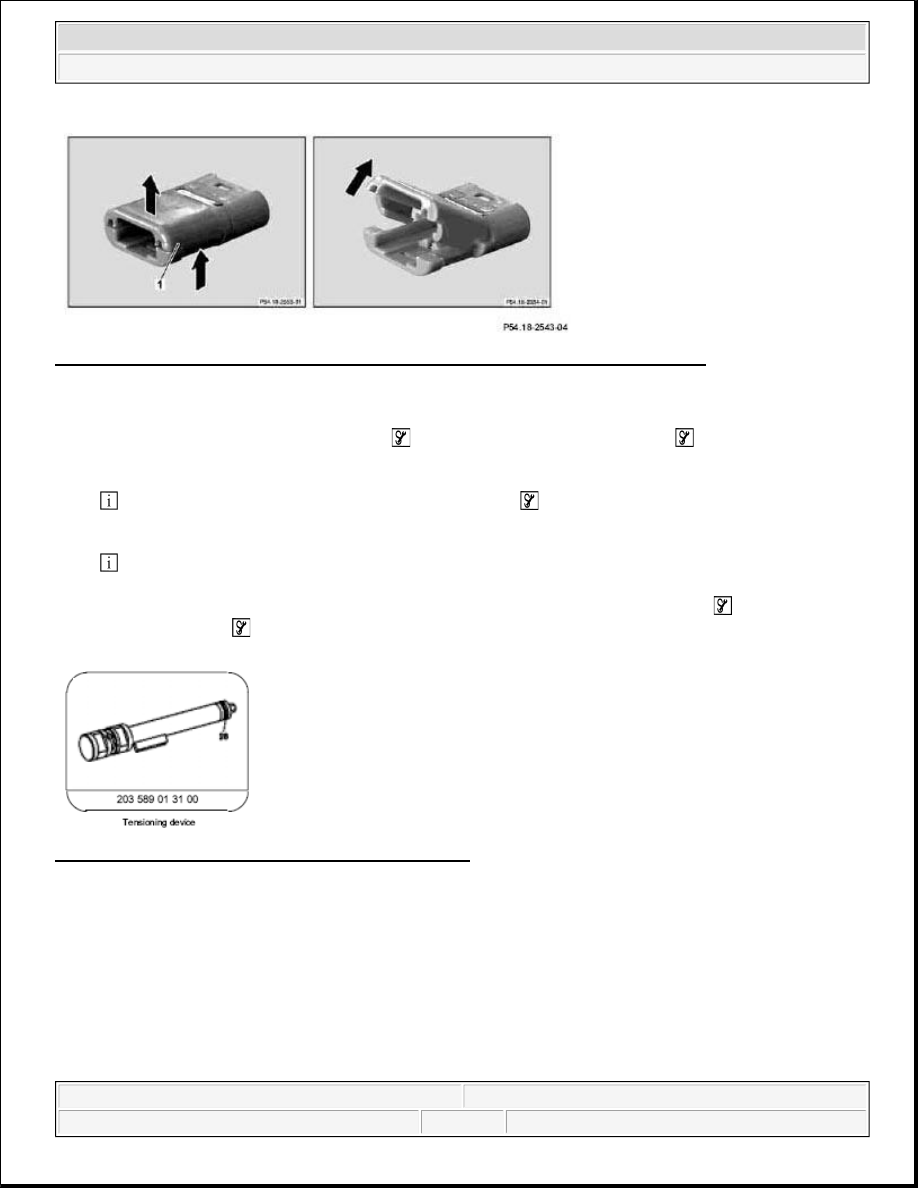
Fig. 594: Opening Retaining Clamp - Shown On A 2-Pin RK 2.5 Solder Contact Plug
Unpin contact from the plug (RK 2, 5 solder contact)
1. Insert blade holder with clamping pliers
and blade for RK 2.5 solder contact
from the back side into
the cable duct of the plug.
Align the sleeve of the blade for RK 2.5 solder contact
with the spring shackle (1) in the plug
housing.
This step presses on the spring shackle (1) of the plug.
2. Now gently pull the contact pin, together with the blade holder, with clamping pliers
and blade for RK
2.5 solder contact
to remove it from the back of the plug.
Fig. 595: Contact From Plug (RK 2, 5 Solder Contact)
REMOVE CONTACTS FROM SPADE-TYPE CONTACT SYSTEM COUPLING - AR00.19-P-0120-19A
2004 Mercedes-Benz ML350
1998-2005 GENINFO Overall vehicle - 163 Chassis
me