Volkswagen Golf Variant / Jetta. Manual - part 605
 

  Index      Volkswagen     Volkswagen Golf Variant (2007), Jetta (2005) - service repair manual


Search            


Content   ..  603  604  605  606   ..


Volkswagen Golf Variant / Jetta. Manual - part 605


Performing service test

WARNING

Do not test or charge batteries -A- whose magic eye is “col‐

ourless/light yellow”. Do not slave/jump start the vehicle!
Danger  of  explosion  when  checking  and  charging  or  slave/

jump starting
These batteries -A- must be replaced.

Special tools and workshop equipment required
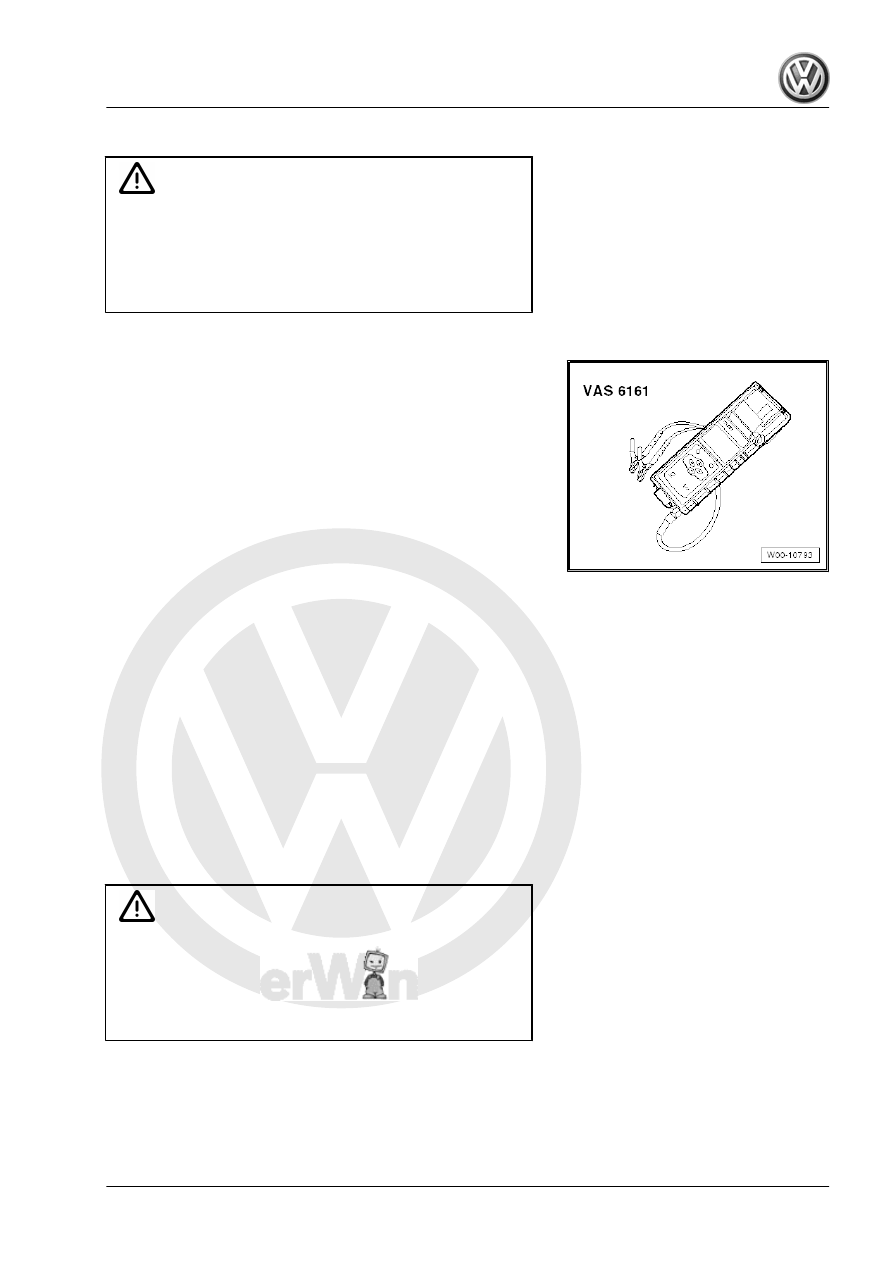
♦ Battery tester with printer -VAS 6161-

Carry out following procedures:
– Select “Service test” in menu.
– Select “On battery terminal” or “On jump start point”.
– Select vehicle type.
– Measure temperature above battery -A- . To do this, hold in‐

frared sensor about 5 cm above one battery terminal until

temperature stabilises.

– Select battery type (Normal, AGM, 2*6 V or Gel).
– Select which standard to use (CCA, JIS, DIN, SAE, IEC or EN).
– Start test.
– Print out test protocol.

2.5.5

Perform guarantee test

WARNING

Do not test or charge batteries -A- whose magic eye is “col‐

ourless/light yellow”. Do not slave/jump start the vehicle!
Danger  of  explosion  when  checking  and  charging  or  slave/

jump starting
These batteries -A- must be replaced.

Special tools and workshop equipment required

2. Checking battery A     

17

Carry out following procedures:
– Select “Guarantee test” in menu.
– Select “In vehicle” or “Outside vehicle”.
– Select “On battery terminal” or “On jump start point”.
– Select vehicle type.
– Measure temperature above battery -A- . To do this, hold in‐

frared sensor about 5 cm above one battery terminal until

temperature stabilises.

– Select battery type (Normal, AGM, 2*6 V or Gel).
– Select battery capacity.
– Start test.
– Print out test protocol.

2.5.6

Explanations of test printout

1 - Type of test
2 - Test result
3 - Measured voltage
4 - Measured cold start value of battery -A-
5 - Nominal cold-start value of battery -A- set on battery tester

with printer -VAS 6161- .

6 - Measured temperature above battery -A-
7 - Installation location of battery -A-
8 - Position of battery terminal set on battery tester with printer

-VAS 6161-

9 - Selected battery type

Note

The test printout is required for warranty claims.

2.5.7

Evaluation of test result

Evaluating battery test results for guarantee and service tests

Battery test results

Measures

Battery -A- OK

No measure carried out on bat‐

tery -A- .

18

Measures

Battery -A- OK - Recharge.

– Charge battery -A-

⇒ page 26

 and search for

faults that are causing bat‐

tery to become discharged.

Perform current draw test

– Perform a current draw test

⇒ page 23

 .

– Charge battery -A-

⇒ page 26

 and test it

again.

Replace battery -A-

– Disconnect battery -A- and

test it again.

The result “Renew battery” may

be caused by a weak cable con‐

tact.

Battery cell defective - renew. – Renew battery -A- ⇒  Elec‐

trical system; Rep. Gr.  27 .

Check connection.

– Connect test clamps directly

to battery -A- , not to jump

start point.

Evaluating battery test results for maintenance test

Battery test results

Measures

Battery -A- OK

No measures

Charge battery -A- immediately – Charge battery -A-

⇒ page 26

 .

Mark as defective.

– Mark battery -A- as “defec‐

tive”.

Check tester connection.

– Disconnect battery -A- and

test it again.

The result “Check tester con‐

nection” may be caused by a

weak test clamp contact.

Check connection.

– Connect test clamps directly

to battery -A- , not to jump

start point.

Noises

Wait until measured value ap‐

pears on display.

2.6

Midtronics -MCR340V- battery tester

(only for USA/Canada)

WARNING

Danger of injury! Observe warning notices and safety regula‐

tions 

⇒ page 2

 !

Note

Observe ⇒  Operating instructions for Midtronics -MCR340V- .

♦ Description of Midtronics -MCR340V- battery tester

⇒ page 20

 .

♦ Battery test 

⇒ page 20

 .

2. Checking battery A     

19

⇒ page 22

 .

2.6.1

Description of Midtronics -MCR340V-

battery tester

Batteries -A- in VW vehicles are only allowed to be tested with

battery testers approved by VW. In the USA/Canada, it is per‐

missible to use the Midtronics -MCR340V- battery tester.
Read all the information about safety, setup and operation in the

⇒  operating instructions for the Midtronics -MCR340V- battery

tester and follow the instructions to the letter.
Refer to ⇒ Self-study programme  No.  234 ; Vehicle batteries for

more information.
The following charging and analysis procedures apply to all bat‐

teries -A- , all battery installation locations (engine compartment

or luggage compartment) and battery purposes (starter battery or

second/convenience battery).
Always comply with the safety regulations, the regulations for

setting up the Midtronics -MCR340V- battery tester, the display

menu/display buttons, LEDs and the operating procedures de‐

scribed in the ⇒  operating manual of the Midtronics -MCR340V-

battery tester.

Note

Observe and comply with all subsections, remarks and referen‐

ces relating to the vehicle and battery type to be tested.

2.6.2

Battery test

WARNING

Danger of injury! Observe warning notices and safety regula‐

tions 

⇒ page 2

 !

WARNING

Do not test or charge batteries -A- whose magic eye is “col‐

ourless/light yellow”. Do not slave/jump start the vehicle!
Danger  of  explosion  when  checking  and  charging  or  slave/

jump starting
These batteries -A- must be replaced.

Special tools and workshop equipment required
♦ Midtronics -MCR340V-
Requirements
– Read description of device 

⇒ page 20

 .

– Perform a visual check 

⇒ page 6

 .

– Open bonnet or covers for other installation location of battery

-A- .

– Select battery type (Standard or AGM).
– Remove covers from positive and negative terminals of battery

-A- .

20


Content   ..  603  604  605  606   ..