Infiniti Q50 (2018 year). Instruction - part 17
5-82
Starting and driving
the SET/COAST (-) switch and release it.
. Push and hold the SET/COAST (-)
switch. The set vehicle speed will de-
crease by approximately 5 MPH (5 km/h
for Canada).
. Push, then quickly release the SET/
COAST (-) switch. Each time you do this,
the set speed will decrease by approxi-
mately 1 MPH (1 km/h for Canada).
To resume the preset speed, push and
release the RESUME/ACCELERATE (+)
switch. The vehicle will resume the last set
cruising speed when the vehicle speed is over
20 MPH (32 km/h).
JVS0839X
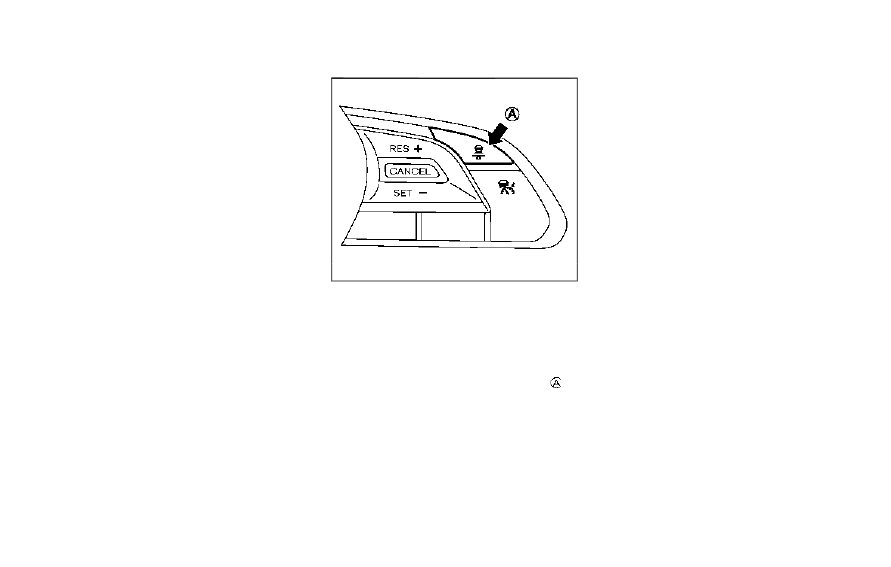
How to change the set distance to
the vehicle ahead
The distance to the vehicle ahead can be
selected at any time depending on the traffic
conditions.
Each time the DISTANCE switch
is
pushed, the set distance will change to long,
middle, short and back to long again in that
sequence.