Vauxhall Corsa F (2023 year). Manual in english - page 4
102
Infotainment system
Selecting or activating a screen
button or menu item
Touch a screen button or menu item.
Notice
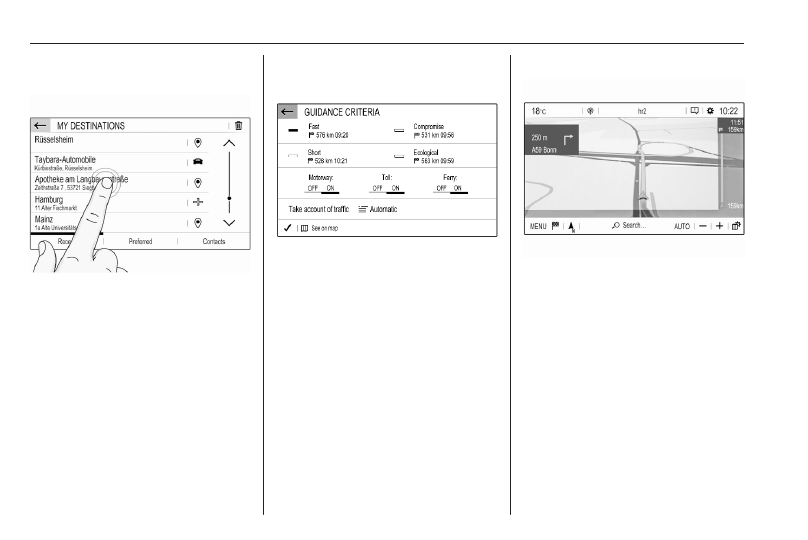
Most icons displayed in a menu, like
e
or
d
in the illustrated example,
serve as screen buttons that initiate
certain actions if you touch them.
The corresponding system function is
activated, a message is shown, or a
submenu with further options is
displayed.
3
and
A
/ OK screen buttons
When operating the menus, touch
3
in the respective submenu to
return to the next higher menu level.
When no
3
screen button is
displayed, you are on the top level of
the respective menu.
After selecting menu items or
performing settings in a menu, touch
A
/ OK to confirm your settings.
Otherwise all performed selections or
settings will be lost.
Shortcuts to important menus
The texts and icons displayed in the
top bar, of e.g. the navigation main
menu, serve as shortcuts to some
important menus. For example, touch
the station name to open the station
list menu.