Infiniti QX30 (2018 year). Instruction - part 13
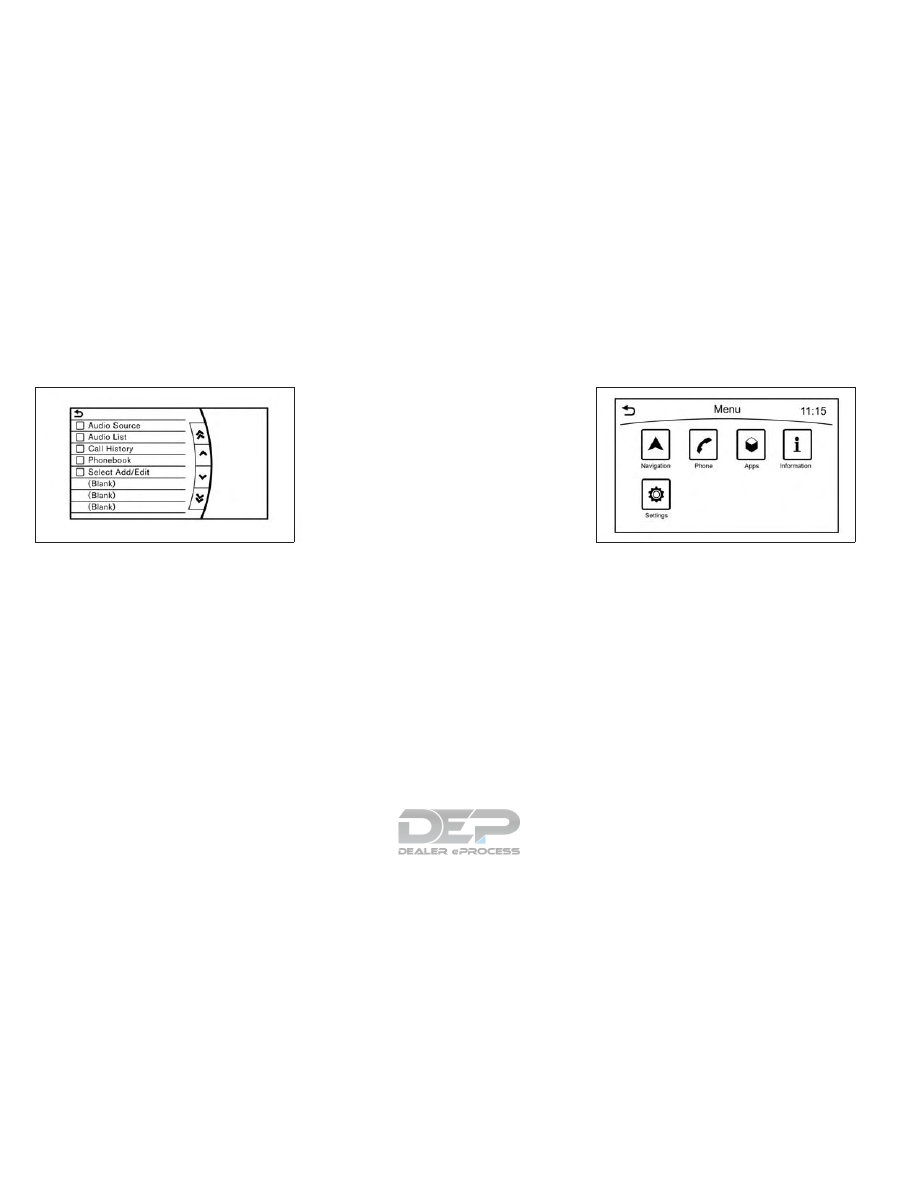
Available items:
•
[Audio Source]
•
[Audio List]
•
[Call History]
•
[Phonebook]
•
[Select Add/Edit]
Edit shortcut menu:
The following procedure can be used to edit
or sort the shortcut menu.
1. Select [Select Add/Edit] to register a new
item to the menu, or to change an existing
menu item.
2. Select the preferred setting.
•
[Change Order]
Change the order in which shortcut menu
items are shown.
•
[Edit Shortcut Items]
Select items to be displayed in the shortcut
menu.
MENU BUTTON OPERATION
Push <MENU> to display functions on the
display.
•
[Navigation]
•
[Phone]
•
[Apps]
•
[Information]
•
[Settings]
5GH0183XZ
NAA1651
4-10
Display screen, heater and air conditioner, and audio system