Infiniti G35 (2008 year). Instruction - part 15
Keypad
Send a dial tone to the caller for using network
services such as voice mail.
Cancel Mute
This will appear after “Mute” is selected. Mute
will be canceled.
To adjust the caller’s voice to be louder or
quieter, push the volume control switch (+ or
2)
on the steering wheel or turn the volume control
knob on the instrument panel while talking on
the phone. This adjustment is also available in
the SETTING mode.
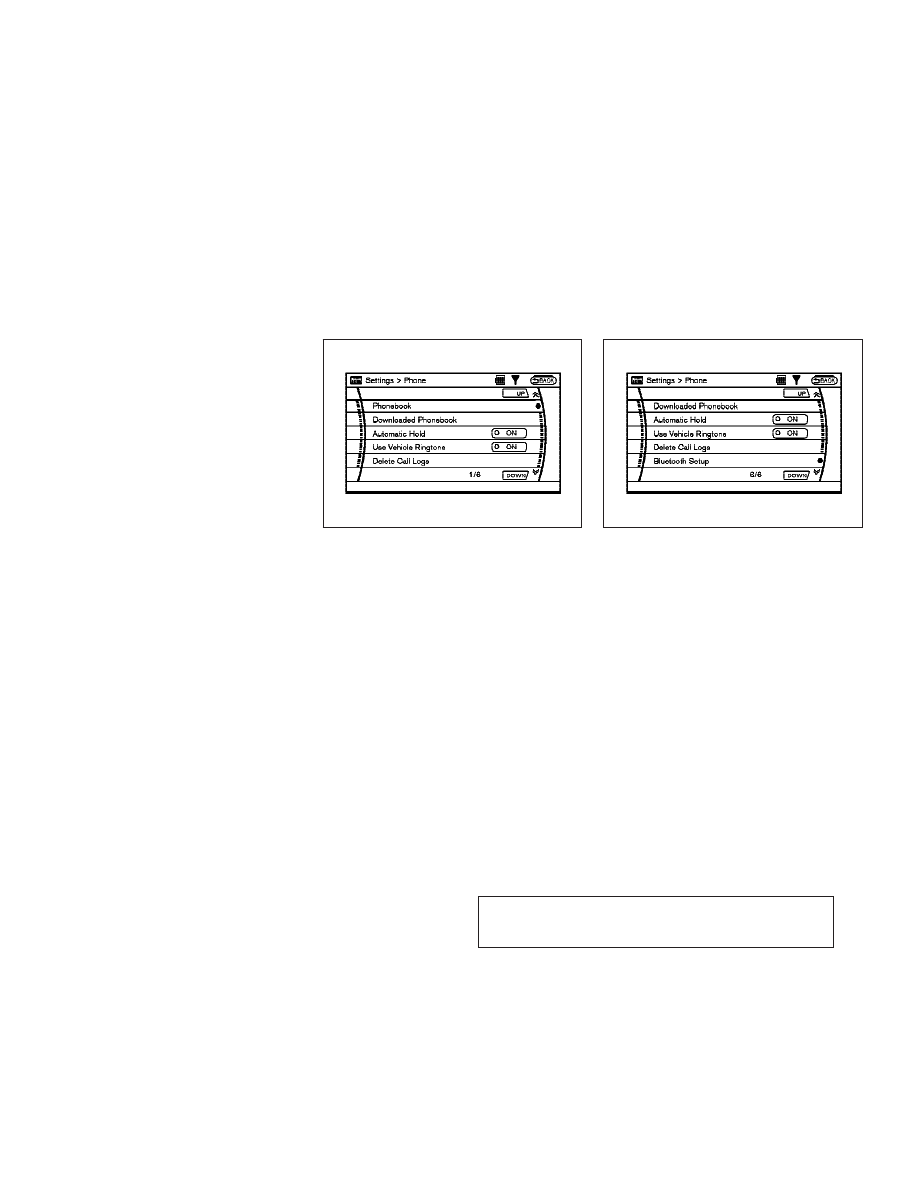
Phone setting
To set up the Bluetooth
T Hands-Free Phone
System to your preferred settings, push the
SETTING button on the instrument panel and
select the “PHONE” key on the display, and
then push the
ENTER button.
Phonebook
See “Phonebook registration” earlier in this
section for adding, editing and deleting a con-
tact.
Downloaded Phonebook
Refer to the following information for each item.
● Download All
Download all of the contacts registered in
the Bluetooth
T cellular phone’s BluetoothT
support. Availability of this function de-
pends on each cellular phone. The memory
downloading procedure from the cellular
phone also varies according to each cellular
phone. See cellular phone Owner’s Instruction
for more details.
● Delete Downloaded Phonebook
Delete a downloaded phonebook.
SAA1580
SAA1581
4-64
Monitor, climate, audio, phone and voice recognition systems
w
—
—
07/14/07—pattie
X