Snowmobile Arctic Cat 2-Stroke (2007 year). Instruction - part 120
8-100
INSTALLING
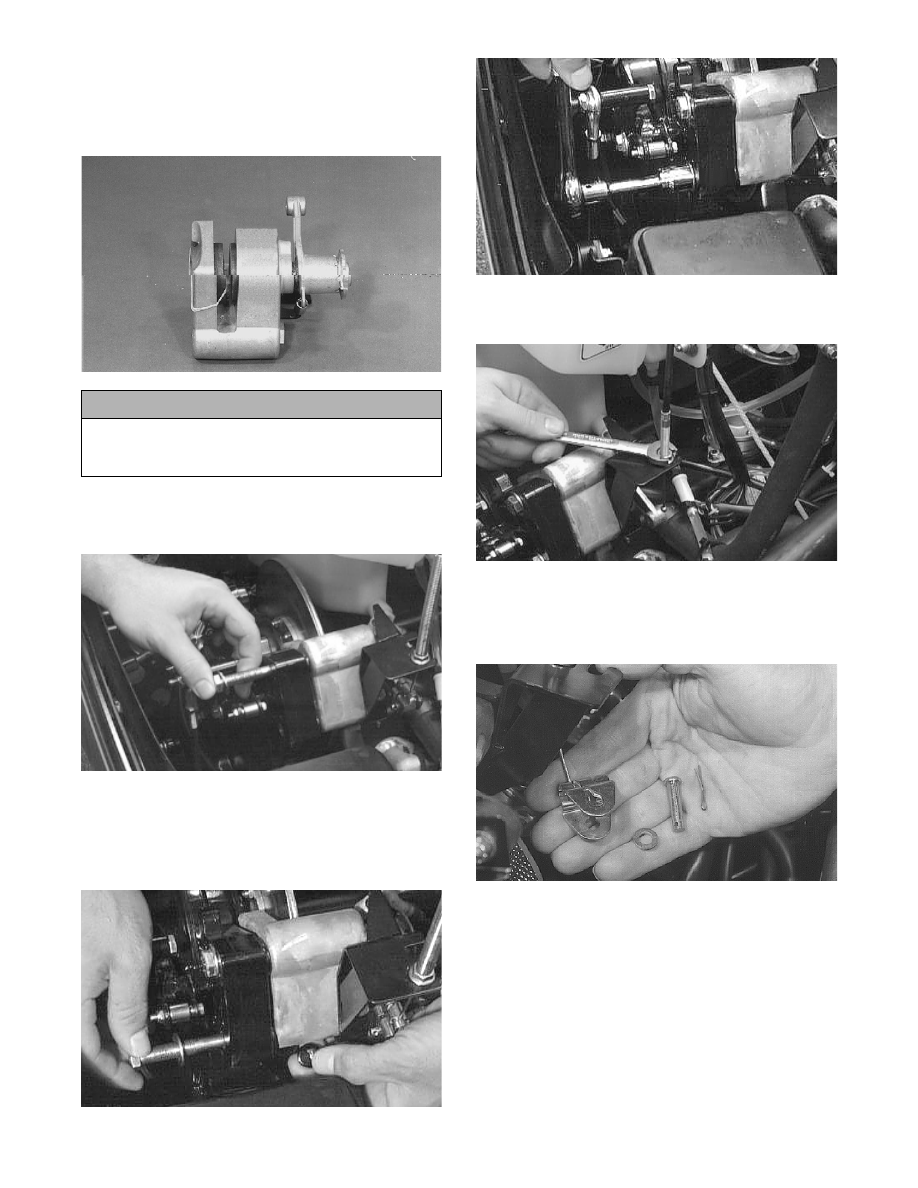
1. With the rubber band holding the stationary pad and
support plate in position, install the caliper assem-
bly over the brake disc. Remove the rubber band.
AF321A
2. Apply blue Loctite #243 to the rear mounting cap
screw with washer and install. DO NOT
TIGHTEN AT THIS TIME.
AF460D
3. Apply a small amount of grease to the alignment
ball and install into the front of the caliper. Apply
blue Loctite #243 to the front cap screw with
washer; then install and tighten both cap screws to
specifications.
AF293D
AF458D
4. Place the brake cable into the rear slot of the brake
cable bracket and tighten securely.
AF462D
5. Insert the cable end into the rear slot of the clevis.
Install the pin through the clevis and actuator arm;
then install the washer. Install a new cotter pin into
the clevis pin and spread the cotter pin.
AF340
6. Pull out on the quick-adjust knob and turn clock-
wise until there is 6-13 mm (1/4-1/2 in.) free-play
at the brake lever.
! CAUTION
Make sure that the brake pads are properly posi-
tioned in the caliper or damage to the brake system
will result.